Shopify variant SEO: one product, several buying choices
Choose sensible variant URLs, test selected prices and availability, and use ProductGroup markup without creating thin pages for every size and colour.
- PUBLISHED
- FILED UNDER
- SEO
- READING TIME
- 3 minutes
- WORDS BY
- Shopify GEO SEO Agency
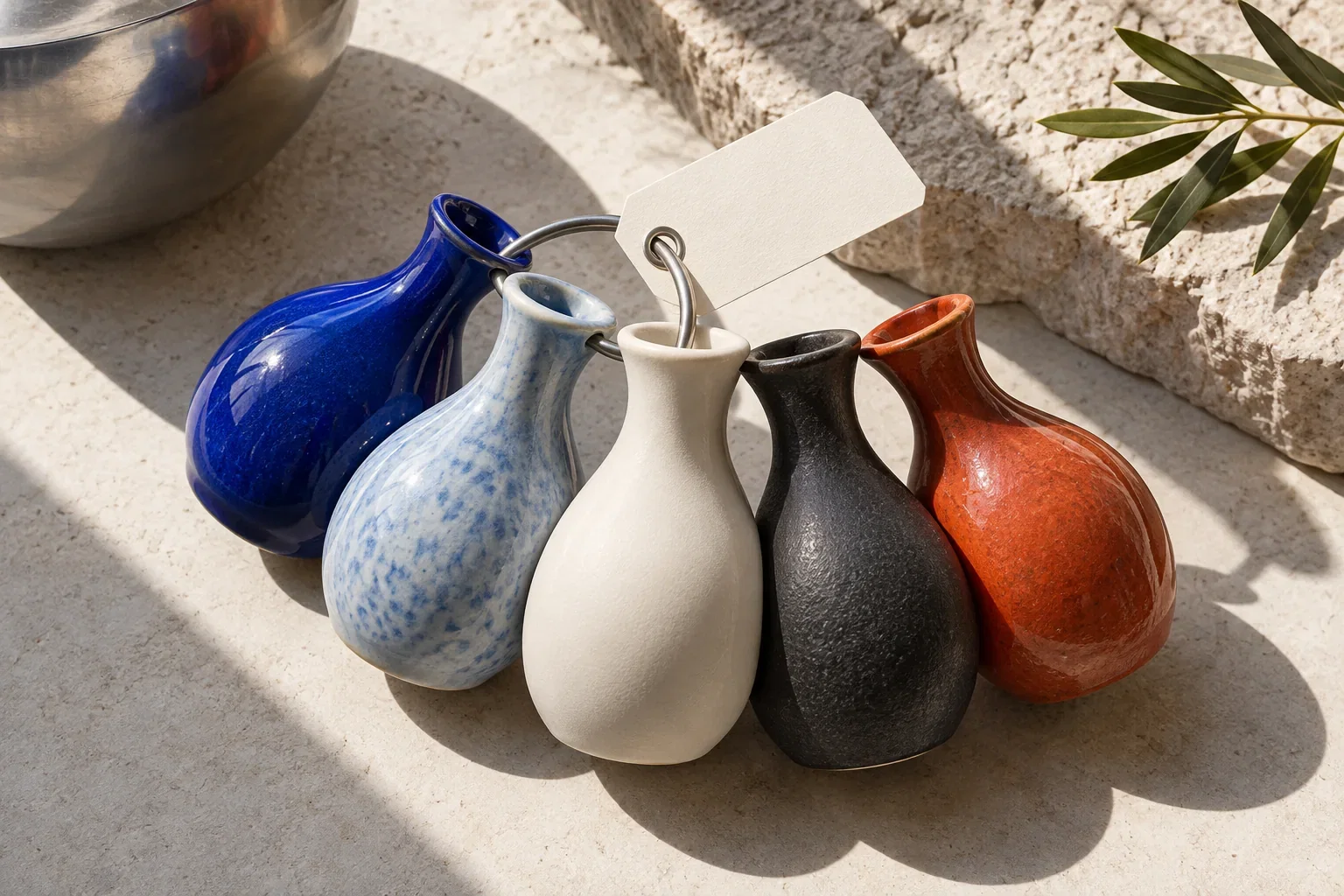
A black chair and a walnut chair may be variants of the same design. A dining chair and an ergonomic office chair solve different problems. Your catalogue structure should reflect that distinction before SEO enters the discussion. Splitting every size into a separate page can create a maintenance burden without giving a shopper a better answer.
Test what the variant URL actually selects
Take a product with at least two prices and one unavailable option. Copy the URL after selecting each variant and open it in a fresh session. Record the selected option, image, price, currency, availability and item added to the cart. Do the same on a phone. This exposes inconsistencies that a schema validator alone cannot find.
Google's variant guidance requires a distinct URL that can preselect each variant, including its image, price, availability and cart selection. It describes both single-page and multiple-page approaches; neither is a universal instruction to create a new indexable page for every option. Google: product variant structured data ↗
Choose the page structure before the markup
| Question | Keep together when… | Consider separation when… |
|---|---|---|
| What changes? | Size or colour of the same product | The purpose or core specification changes substantially |
| What would the page say? | Most useful information is shared | There is enough distinct information to help a different buyer |
| Can the team maintain it? | One product record is the clearest source | Inventory, photography and content can stay accurate separately |
Treat this table as a merchandising decision aid, not a Google rule. Review actual search results and customer questions, then weigh any proposed separation against existing links, reviews and operational complexity. Combining or splitting products is a migration that needs a URL and content plan.
Describe the family and each offer accurately
ProductGroup can describe the shared family, with Product entries describing the variants. Shared attributes belong at the appropriate group level; SKU, colour, size and offer details must identify the correct item. For Google's single-page model, the group has one canonical URL. Its multi-page model has different requirements. Google: product variant structured data ↗
Build the data from your catalogue, not a pasted example containing invented identifiers. A SKU is not a GTIN. Never create a barcode just to clear a warning. If one option is out of stock, don't let a generic in-stock value on the parent misrepresent that offer.
Work through one difficult product first
- Document the intended group and variant identifiers.
- Compare all existing JSON-LD from the theme, review app and SEO app. Assign one owner to product and offer output.
- Validate one product with mixed prices and availability, then inspect the delivered markup at its variant URLs.
- Compare those values with the same items in your product feed. Fix the source mapping when they disagree.
- Retest when changing markets, currencies or variant-selection apps.
For discrepancies between these surfaces, use the product schema and feed reconciliation checklist.
Define success beyond a green validator
The first success criterion is that every advertised choice opens the item the buyer expects. The second is that your machine-readable data says the same thing. Rich-result eligibility is useful, but it does not guarantee a particular display or ranking. Keep monitoring selected variants after theme updates: a technically valid ProductGroup can still describe a broken shopping experience.
Put this into practice with Shopify SEO and Shopify GEO.